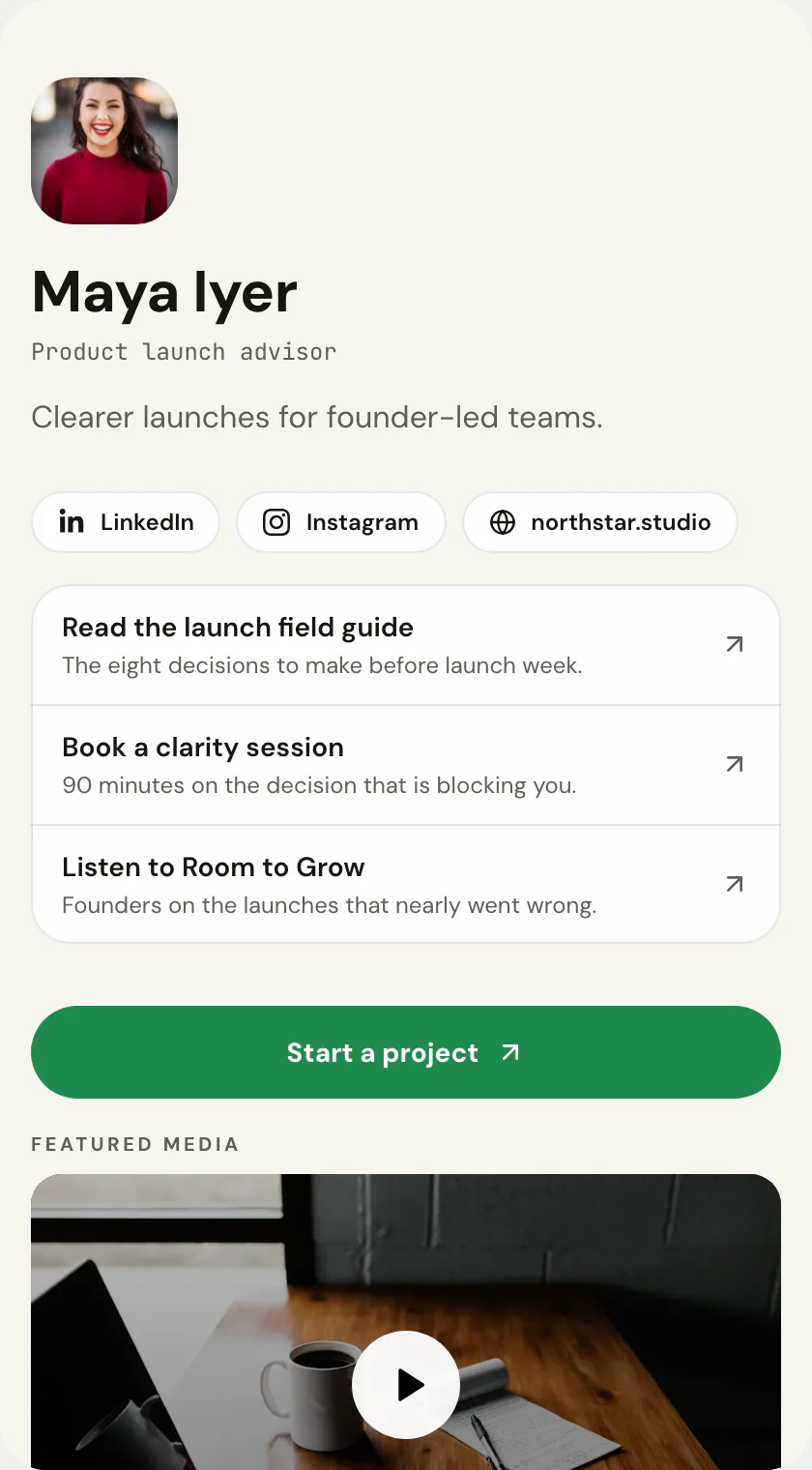
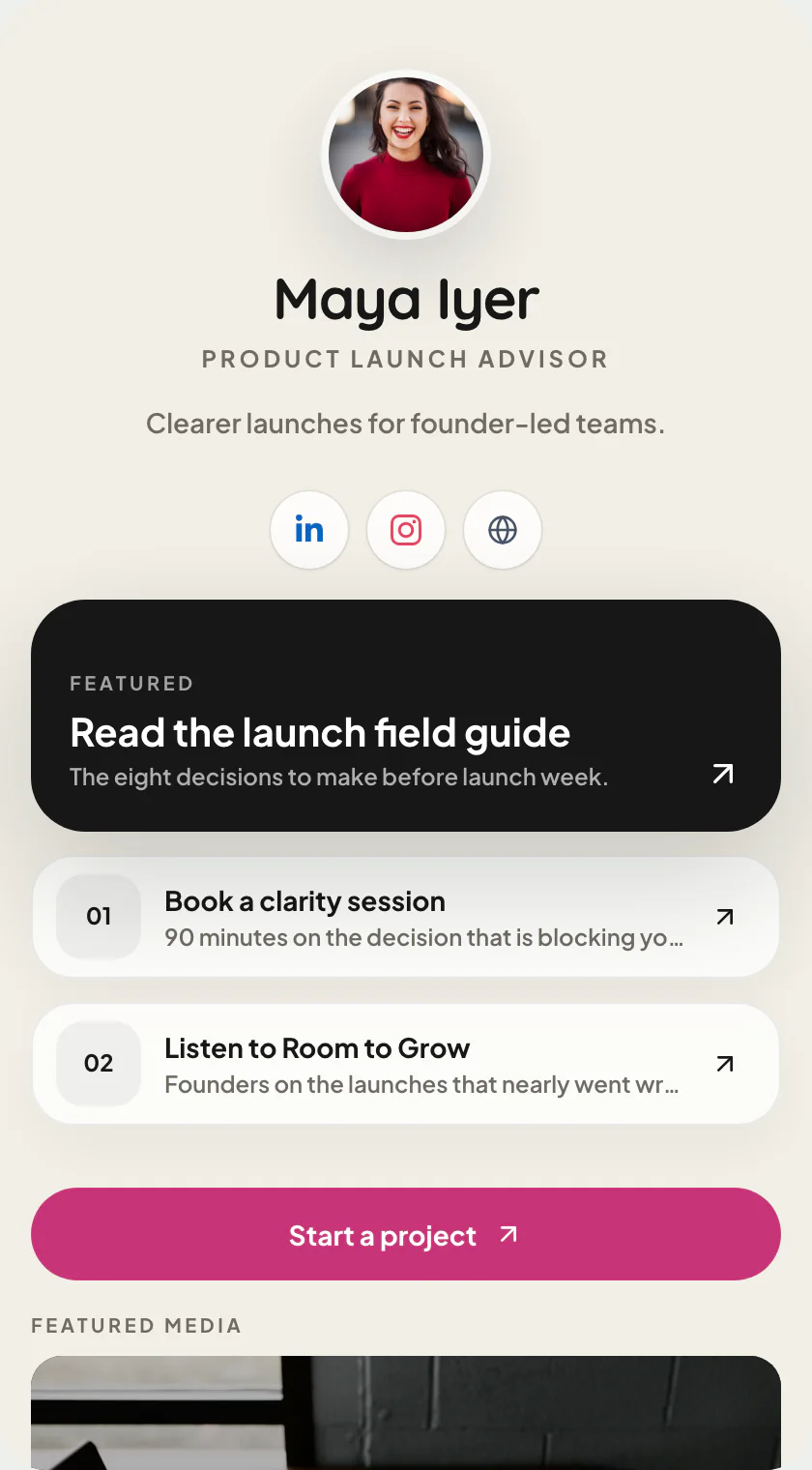
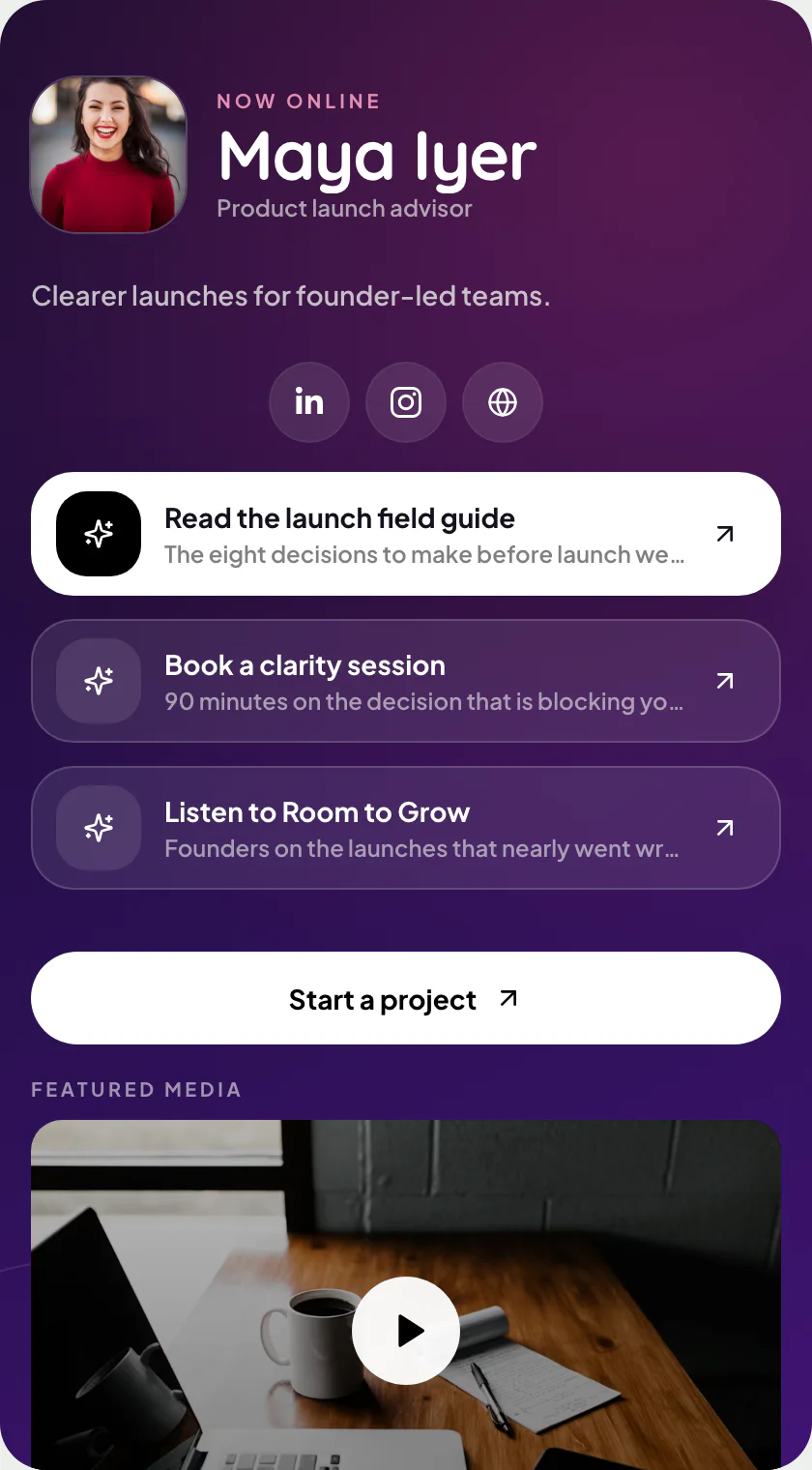
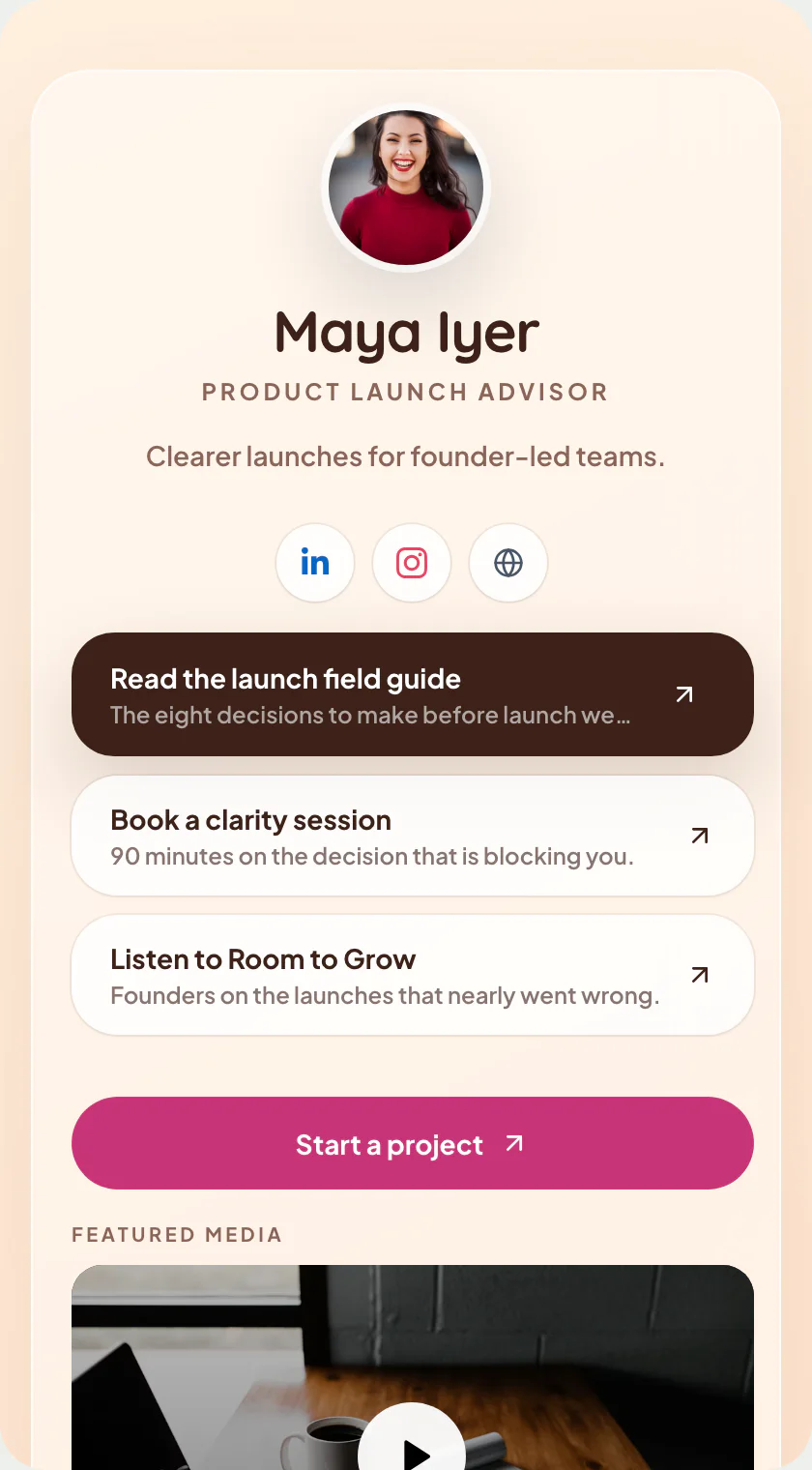
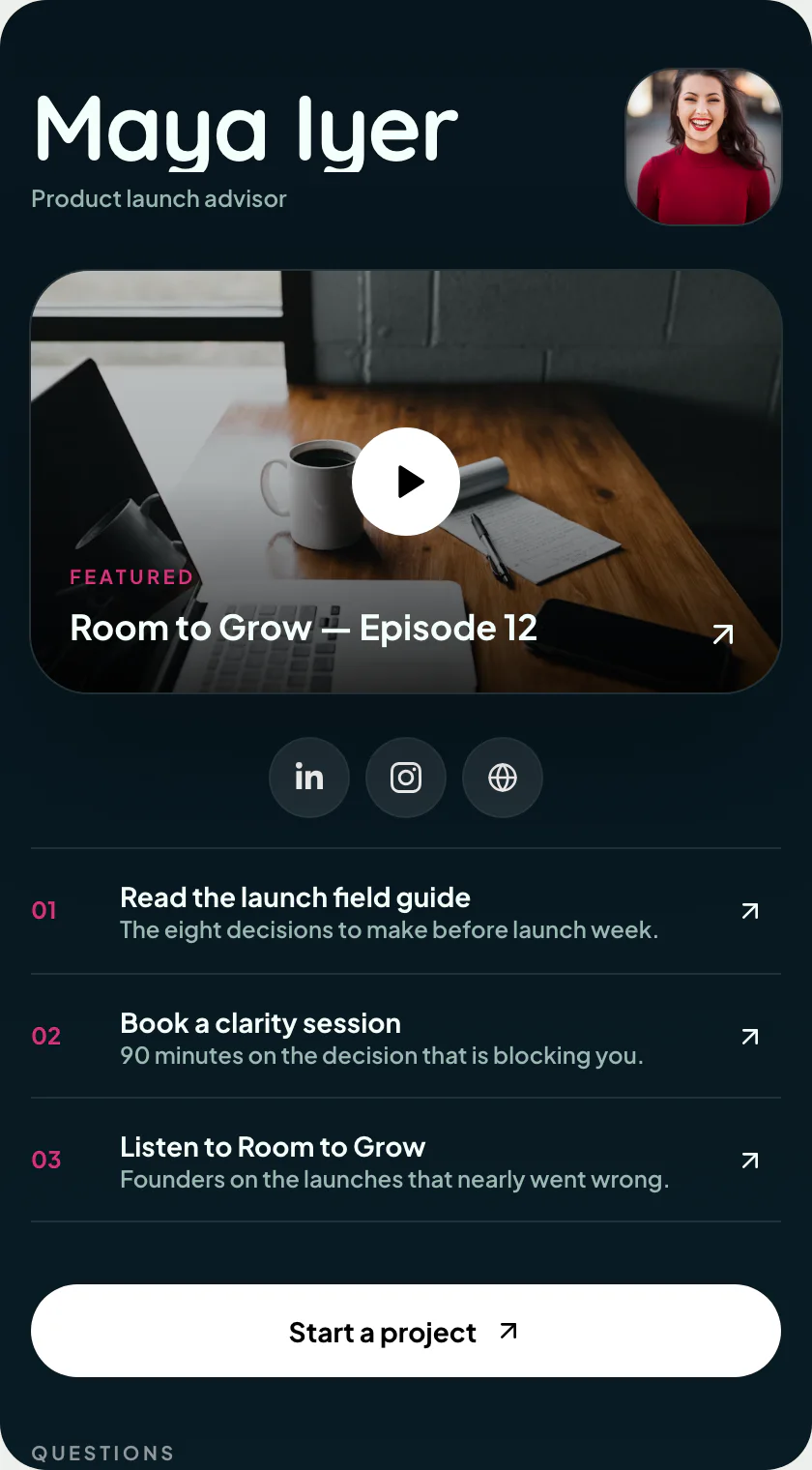
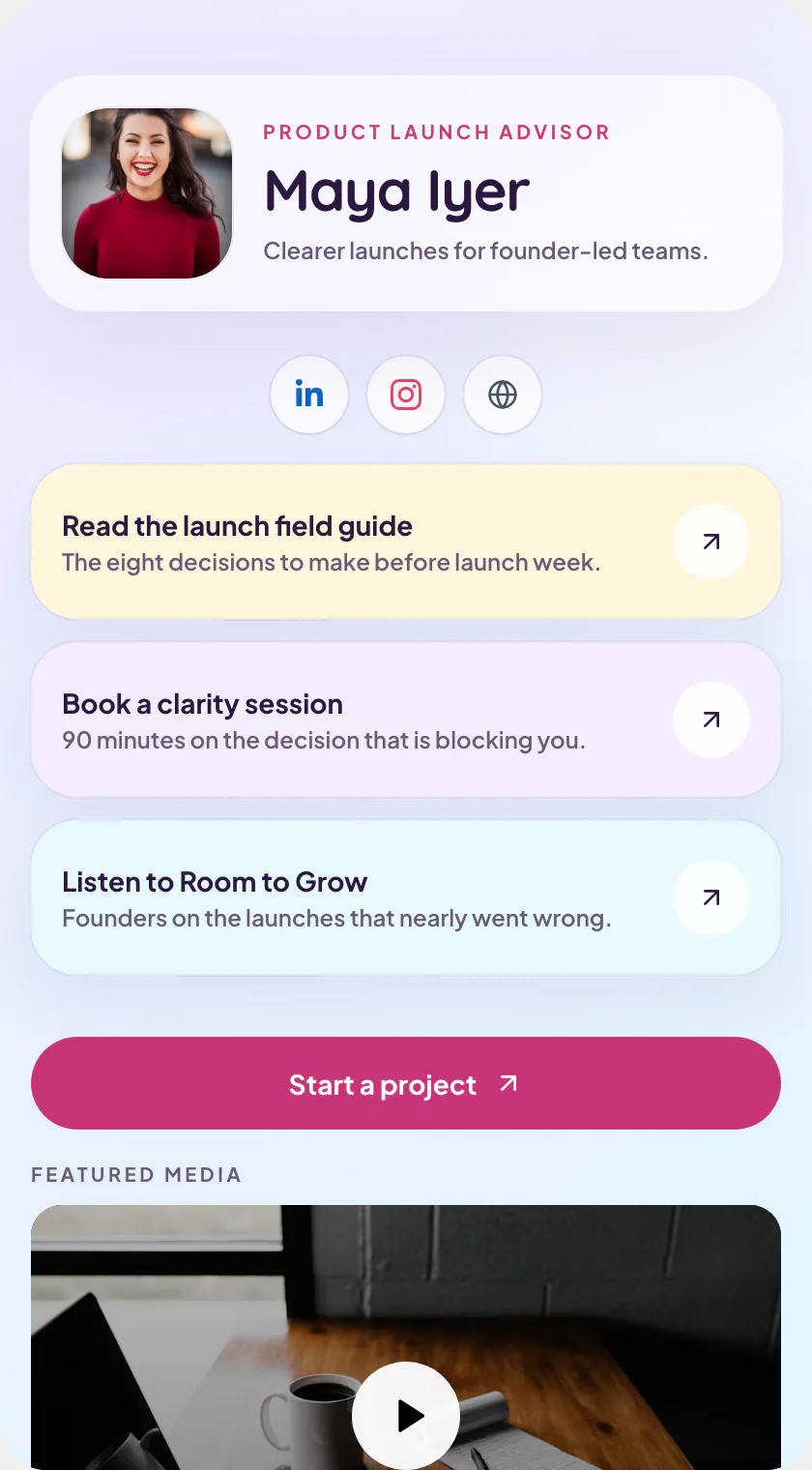
Chromewave: the link page template with chrome pills and one hot accent.
Polished chrome pills on a silver ground with one hot accent — built for drops and releases.
Y2K chrome · one of 9 link-page layouts · Y2K / Artist
Free to start · no design skills needed · published at your own link
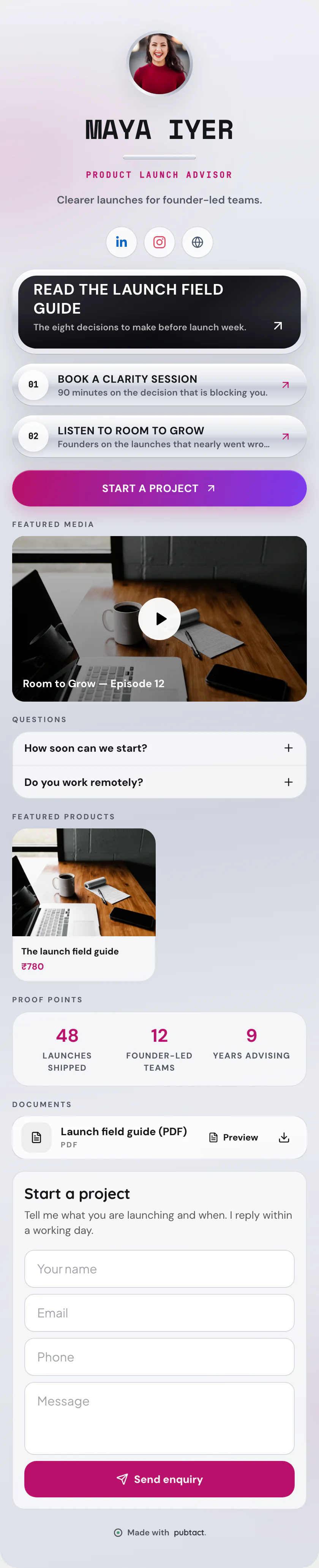
Scroll inside the frame — this is the whole page.
What goes on it
Everything on Chromewave is a piece you can change.
 Your name and faceAdd your photo, name and a one-line introduction.
 Links that matterStack your links in your order — and see which get tapped.
- Your social profilesAdd the ones you use; hide any of them with a switch.
- The one buttonPick the action that matters most: save contact, call, WhatsApp or book.
- An enquiry formVisitors leave a name and number; the lead lands with you.
Only the first two are required. Add, remove and drag the rest into your own order — before or after you publish, your address never changes.
How it works
Yours in three steps.
- 01Start from Chromewave
Sign up free and pick this layout — it opens in the editor ready to fill in.
- 02Make it yours
Type over the example details. No design decisions — the layout is already made.
- 03Publish and share
Your page goes live at your own handle. Share the link, or let people scan its QR.
Who Chromewave suits.
Artists and labels working a specific aesthetic, where a neutral page would read as a lack of point of view. It is the loudest layout in the link set and it knows it.
What it puts first.
Surface. Polished pills on silver, with a single saturated accent reserved for the one link that matters this week.
Where Chromewave is the wrong choice.
This is a fashion, and fashions expire. Pick it deliberately for a season rather than as a permanent home, and keep the handle stable so switching later costs you nothing but ten minutes.
Before you start
The questions everyone asks.
- Is the Chromewave template free?
- Yes. Pick it, add your details and publish at your own handle — building and publishing a page is free.
- Can I switch to another template later?
- Yes. A template is a layout over your content, so you can move to any other link page layout whenever you like — nothing gets retyped and your link never changes.
- Do I need a website or hosting?
- No. Your page is hosted for you at your own handle — nothing to install, nothing to maintain.
- Will it work on a phone?
- Yes. The page is built phone-first and opens in any browser — the people you share it with don't need an app.
Keep reading
If this is not quite it.
Same product