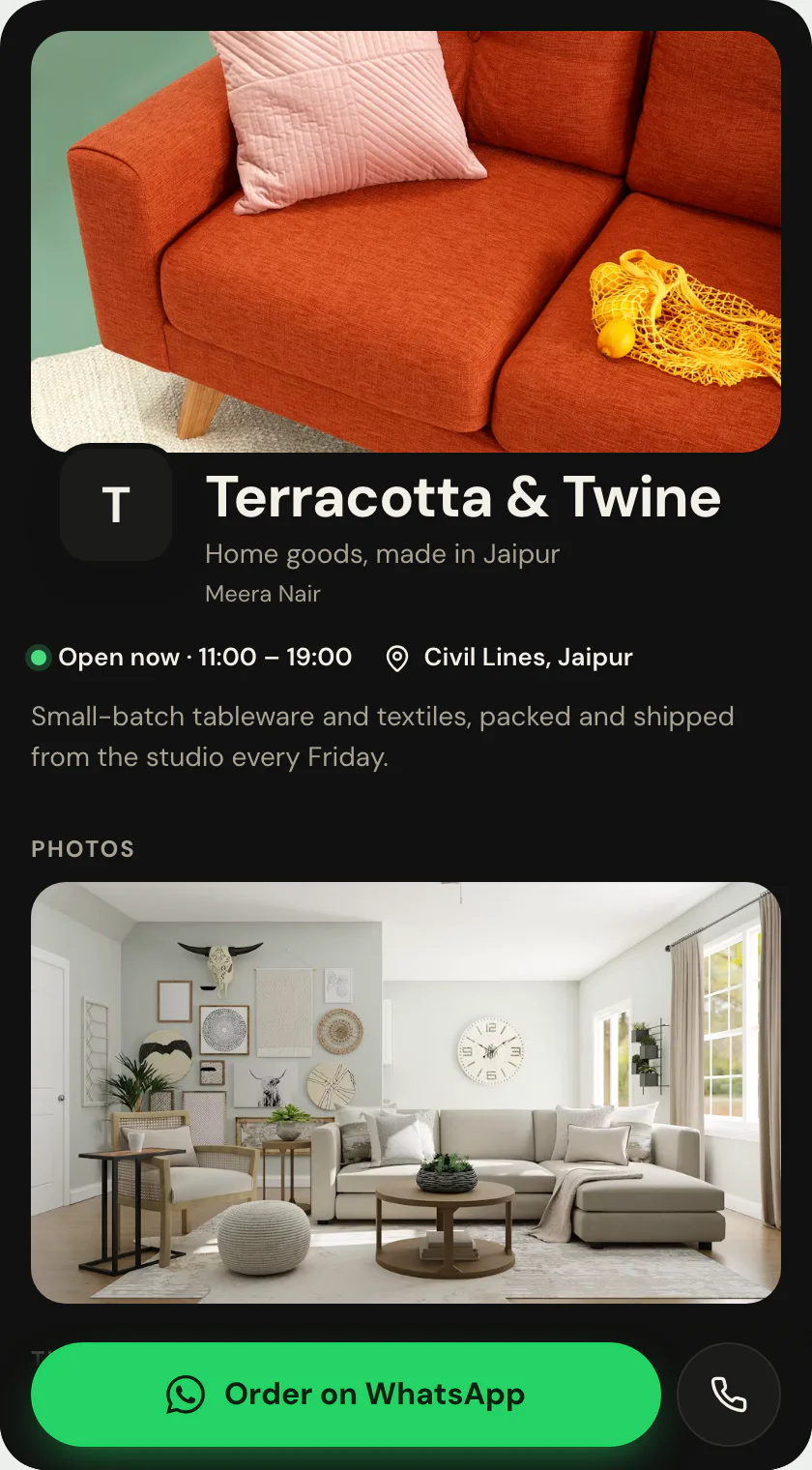
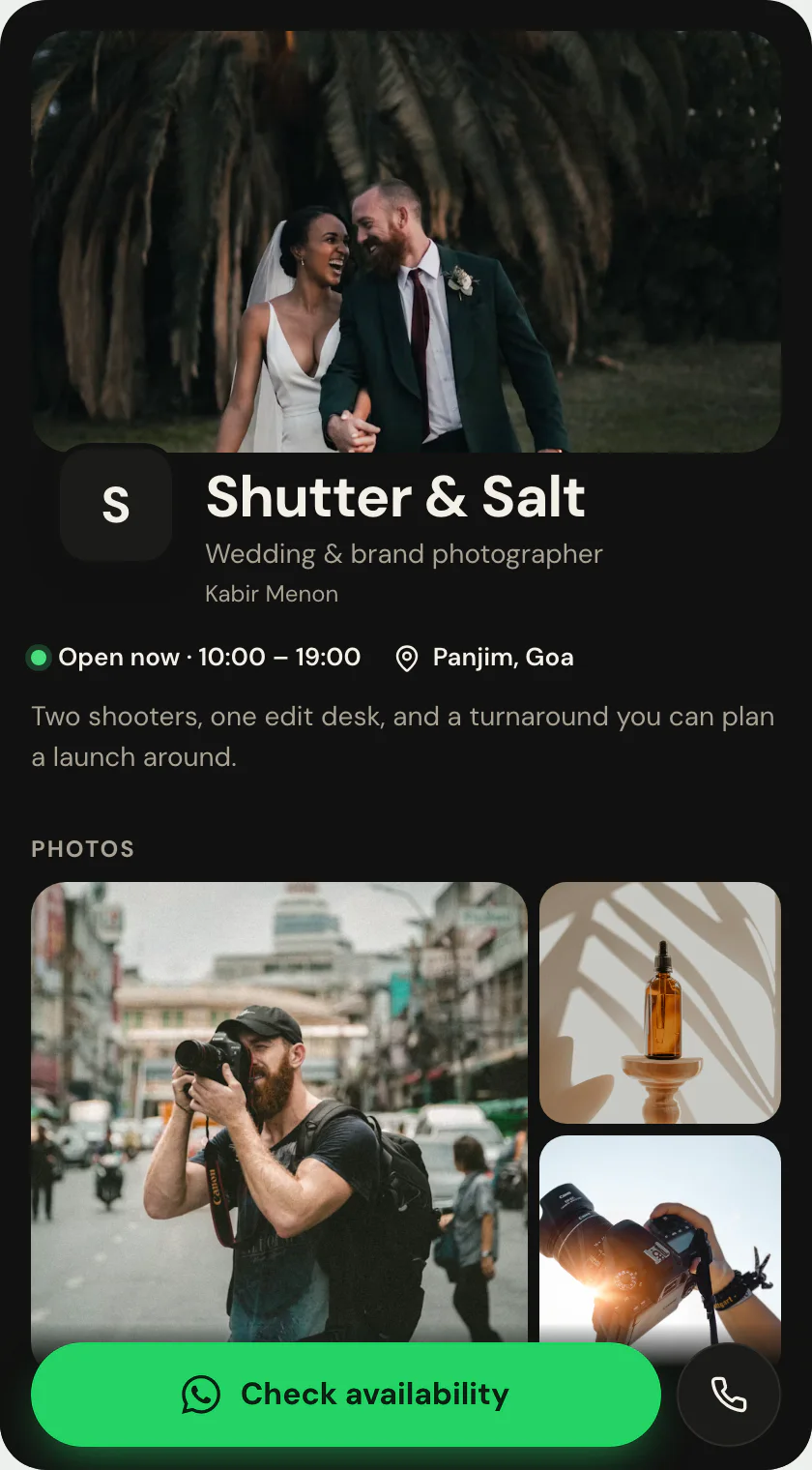
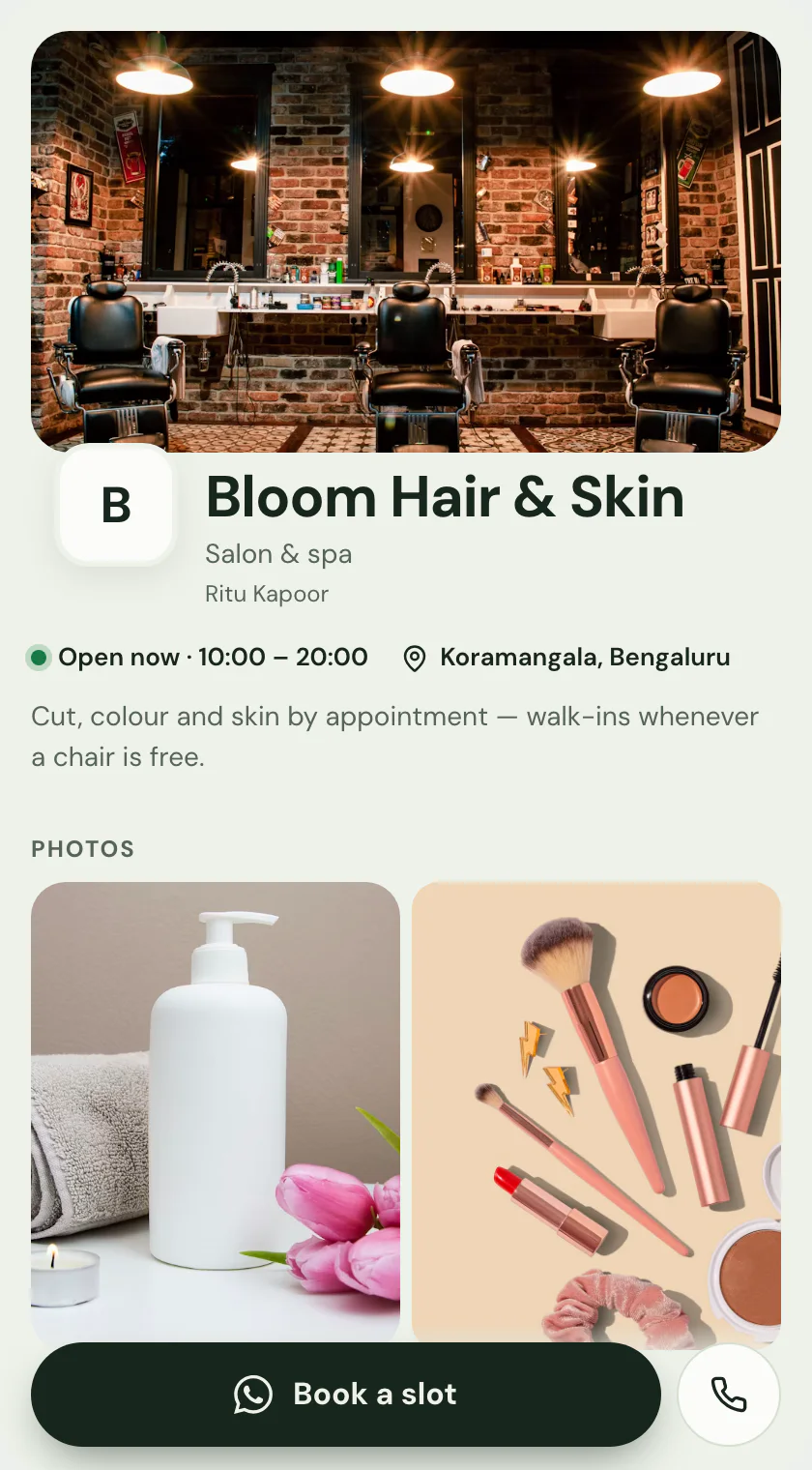
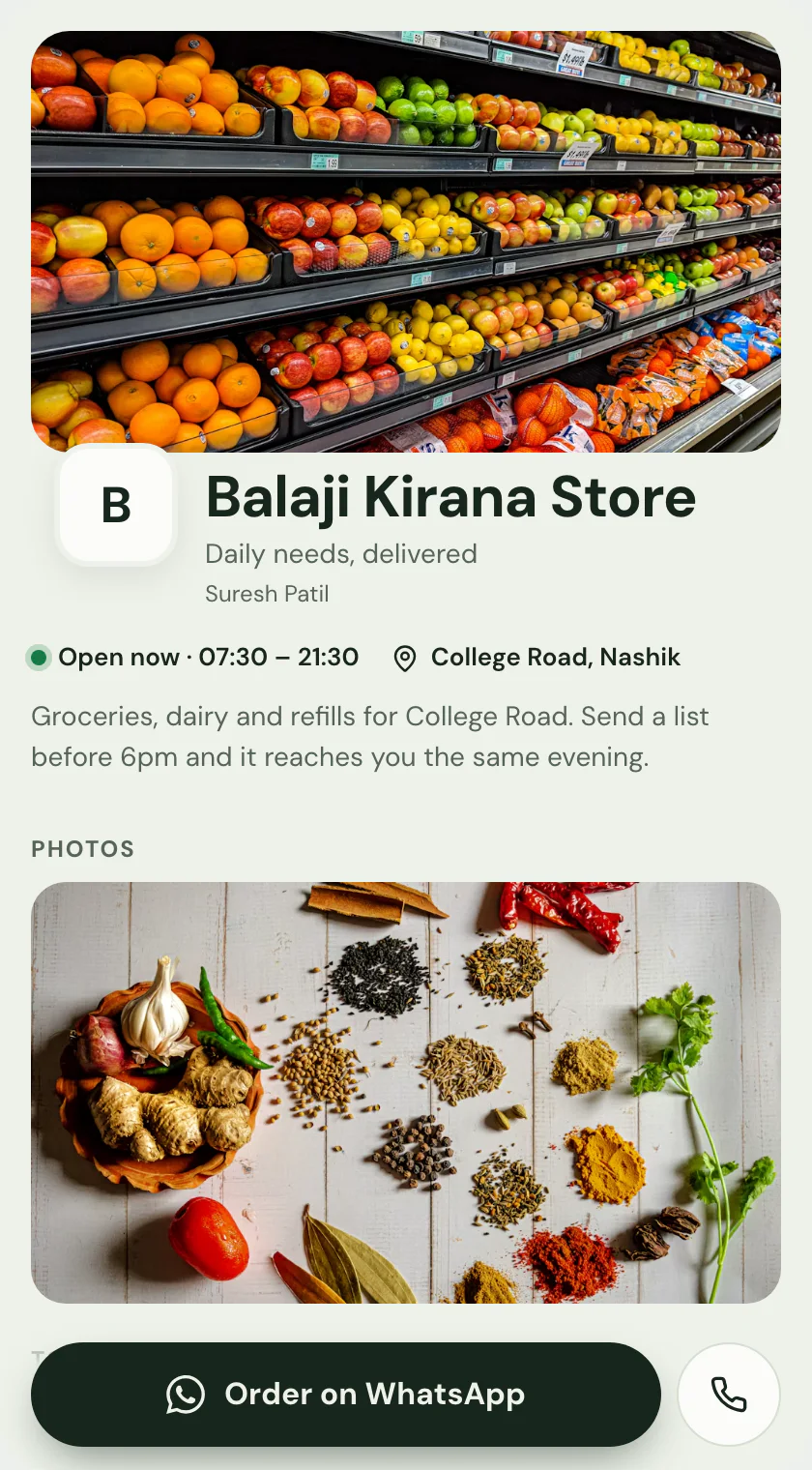
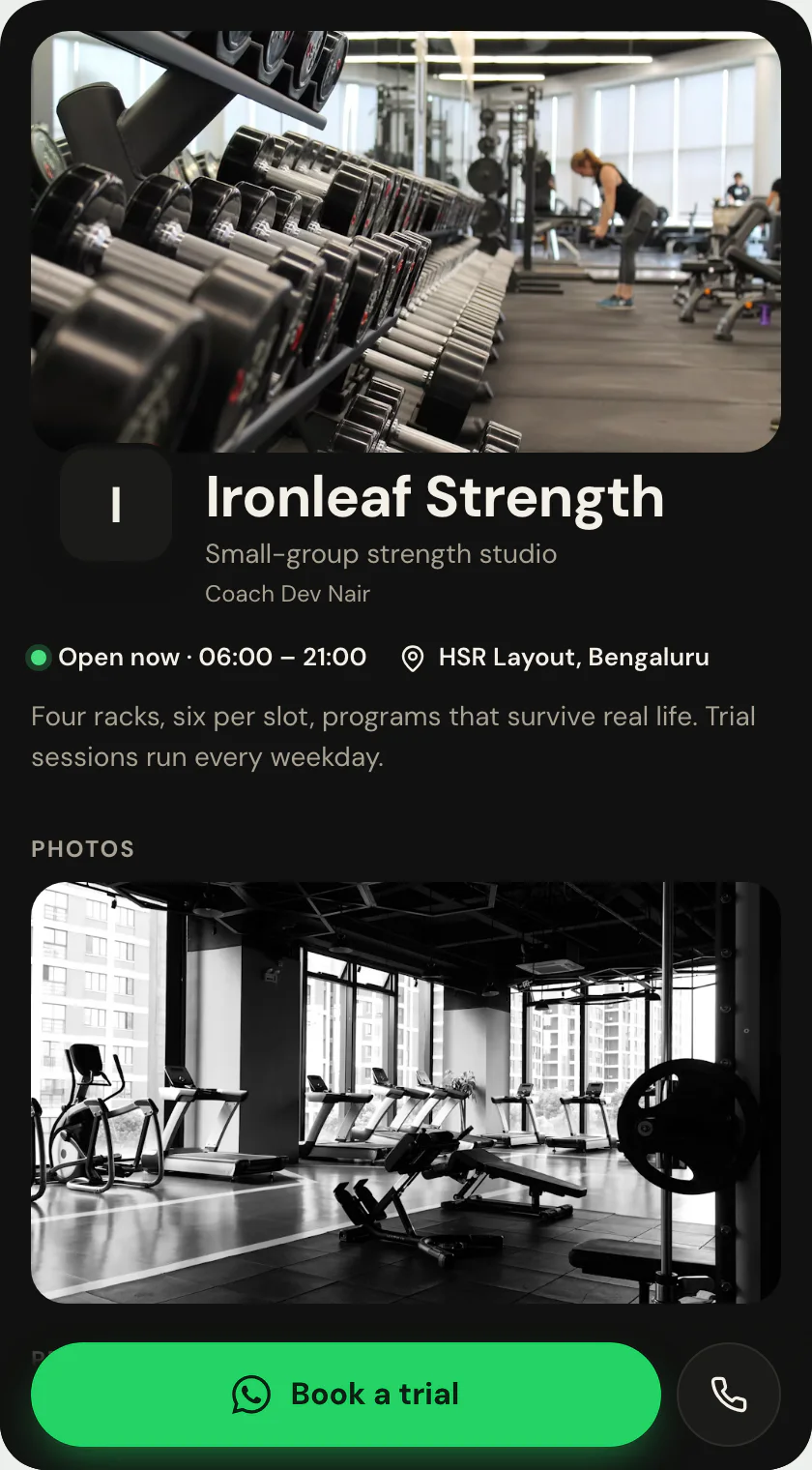
Food + Orders: the storefront template that carries the whole menu.
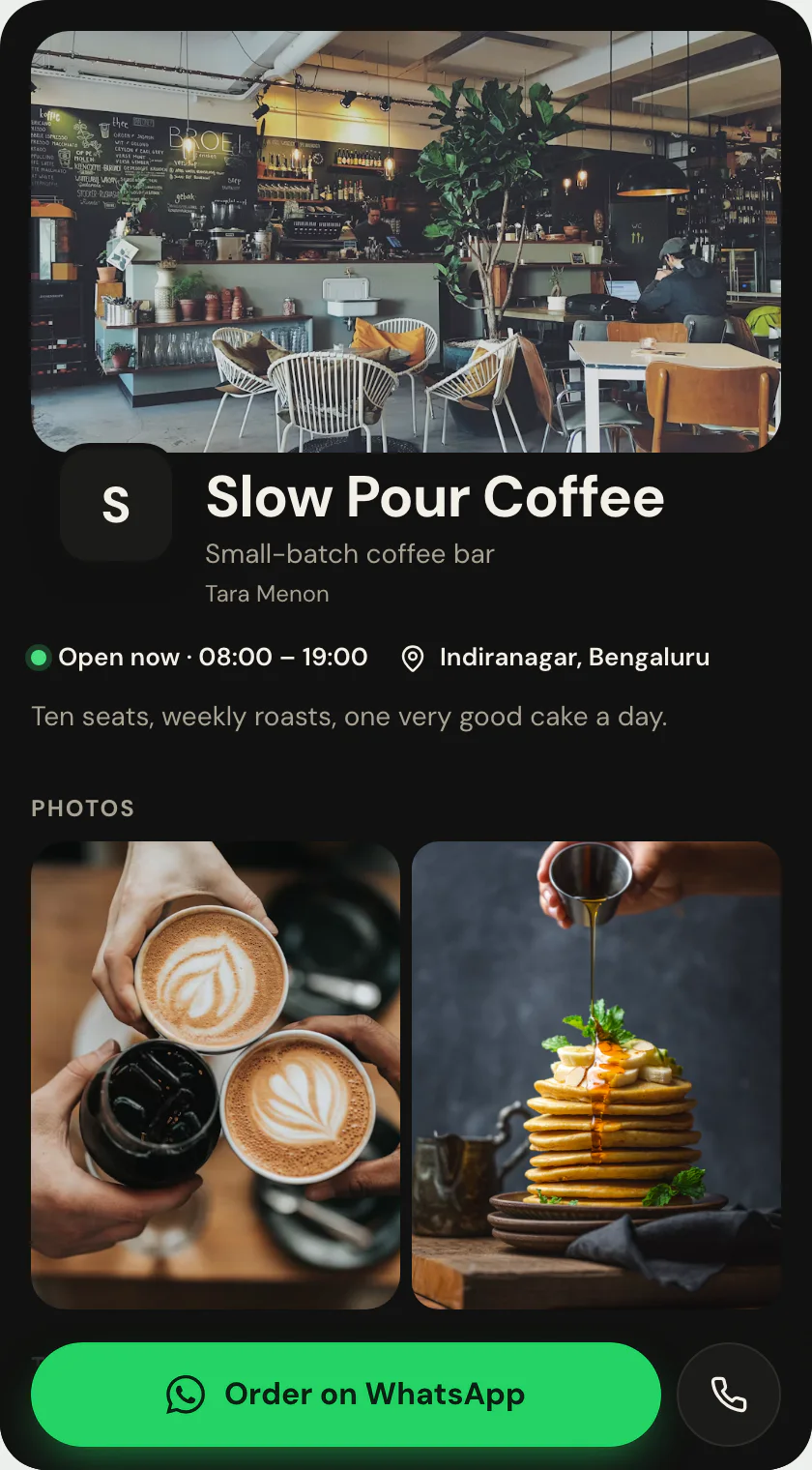
Richer food, cafe and restaurant page with menu, gallery, hours, directions and order actions.
Menu · one of 11 storefront templates · Food / Orders
Free to start · no design skills needed · published at your own link
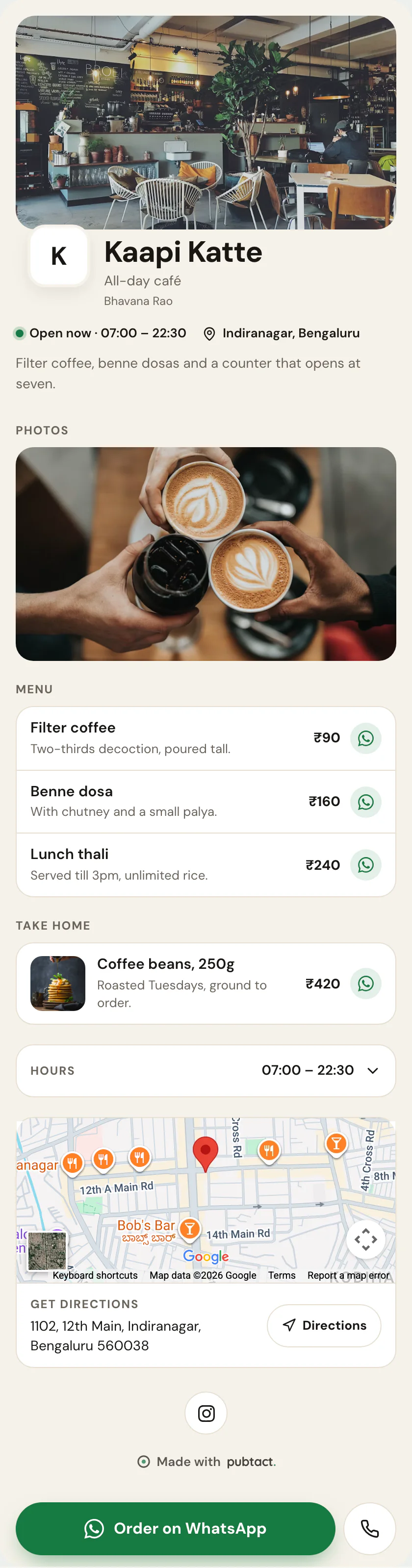
Scroll inside the frame — this is the whole page.
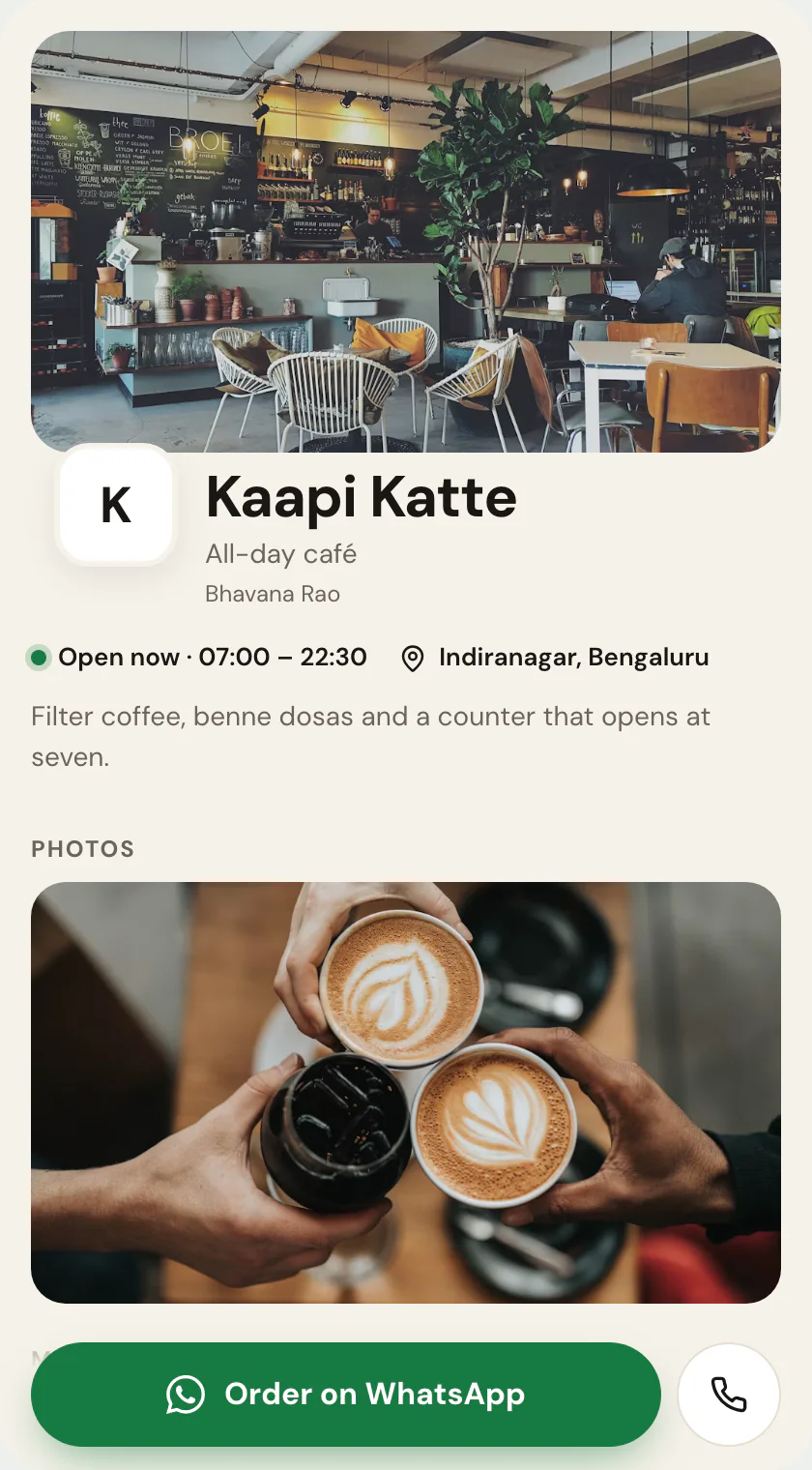
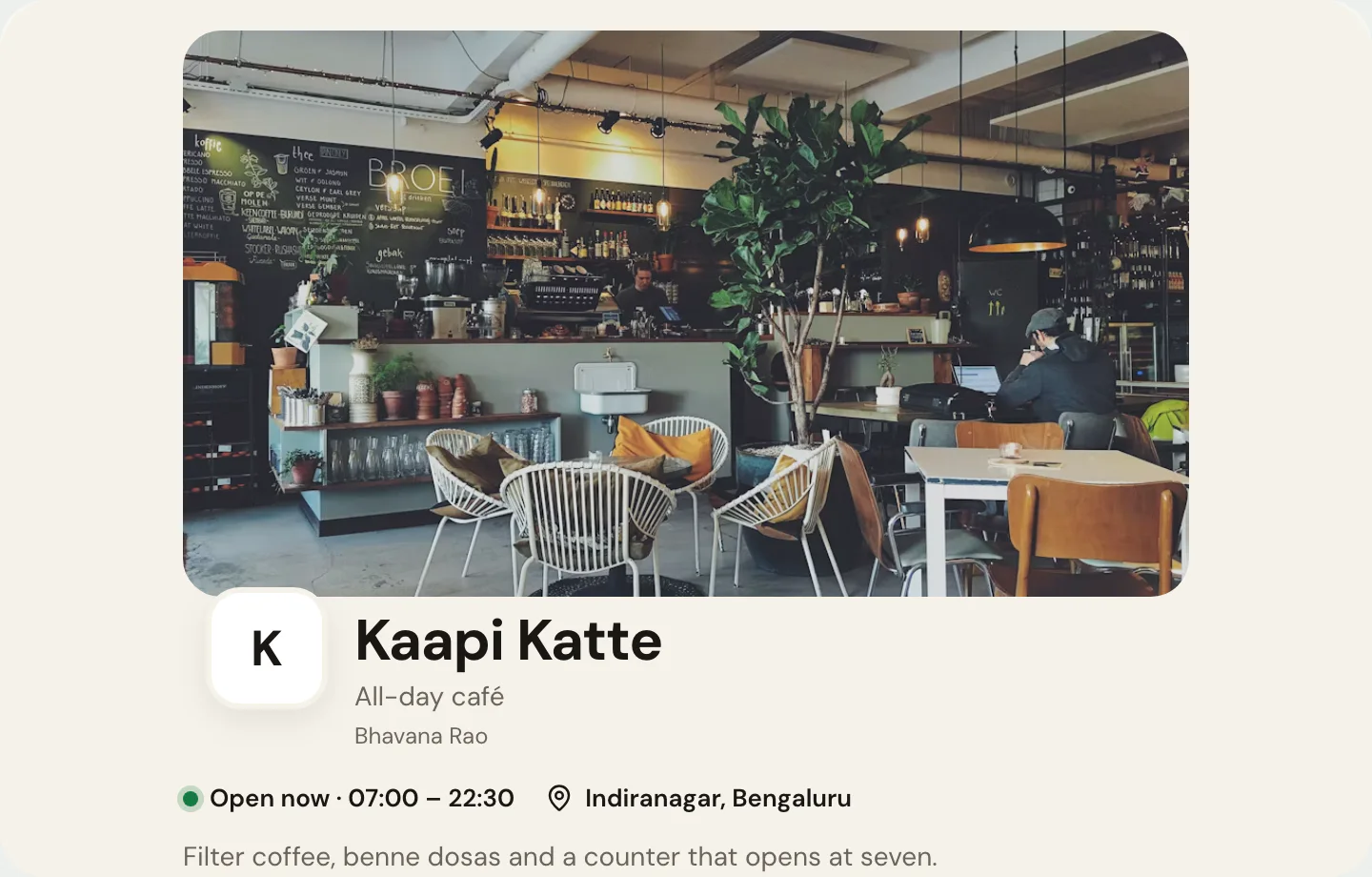
Two views
The same page, on a phone and on a screen.
What goes on it
Everything on Food + Orders is a piece you can change.
 Your name and faceAdd your photo, name and a one-line introduction.
 The one buttonPick the action that matters most: save contact, call, WhatsApp or book.
 What you offerServices or menu items, with prices and a booking link.
- Things to buyProducts with photos, prices and order links.
 Your work in picturesPhotos of work, products, spaces or plates — shown big.
- When you're openOpening hours and days off — edited, never reprinted.
 How to find youYour address, with a directions button.
- Your social profilesAdd the ones you use; hide any of them with a switch.
Only the first two are required. Add, remove and drag the rest into your own order — before or after you publish, your address never changes.
How it works
Yours in three steps.
- 01Start from Food + Orders
Sign up free and pick this layout — it opens in the editor ready to fill in.
- 02Make it yours
Type over the example details. No design decisions — the layout is already made.
- 03Publish and share
Your page goes live at your own handle. Share the link, or let people scan its QR.
Who Food + Orders suits.
Restaurants and takeaways where the menu changes often enough that printing it is a running cost. A QR on the table pointing here means the menu is edited rather than reprinted. Reprinting a menu costs money.
What it puts first.
Whether the kitchen is open, then the menu with prices, each dish with an optional photo. Tapping a dish opens WhatsApp with it already written out, and the Order on WhatsApp button stays at the bottom of the screen.
Where Food + Orders is the wrong choice.
No cart, no payments and no delivery routing: orders arrive in your WhatsApp and get confirmed there. Add a photo strip of the room or the counter if it helps; the dishes carry their own photos in the list.
Before you start
The questions everyone asks.
- Is the Food + Orders template free?
- Yes. Pick it, add your details and publish at your own handle — building and publishing a page is free.
- Can I switch to another template later?
- Yes. A template is a layout over your content, so you can move to any other storefront layout whenever you like — nothing gets retyped and your link never changes.
- Do I need a website or hosting?
- No. Your page is hosted for you at your own handle — nothing to install, nothing to maintain.
- Will it work on a phone?
- Yes. The page is built phone-first and opens in any browser — the people you share it with don't need an app.
Keep reading
If this is not quite it.
Same product