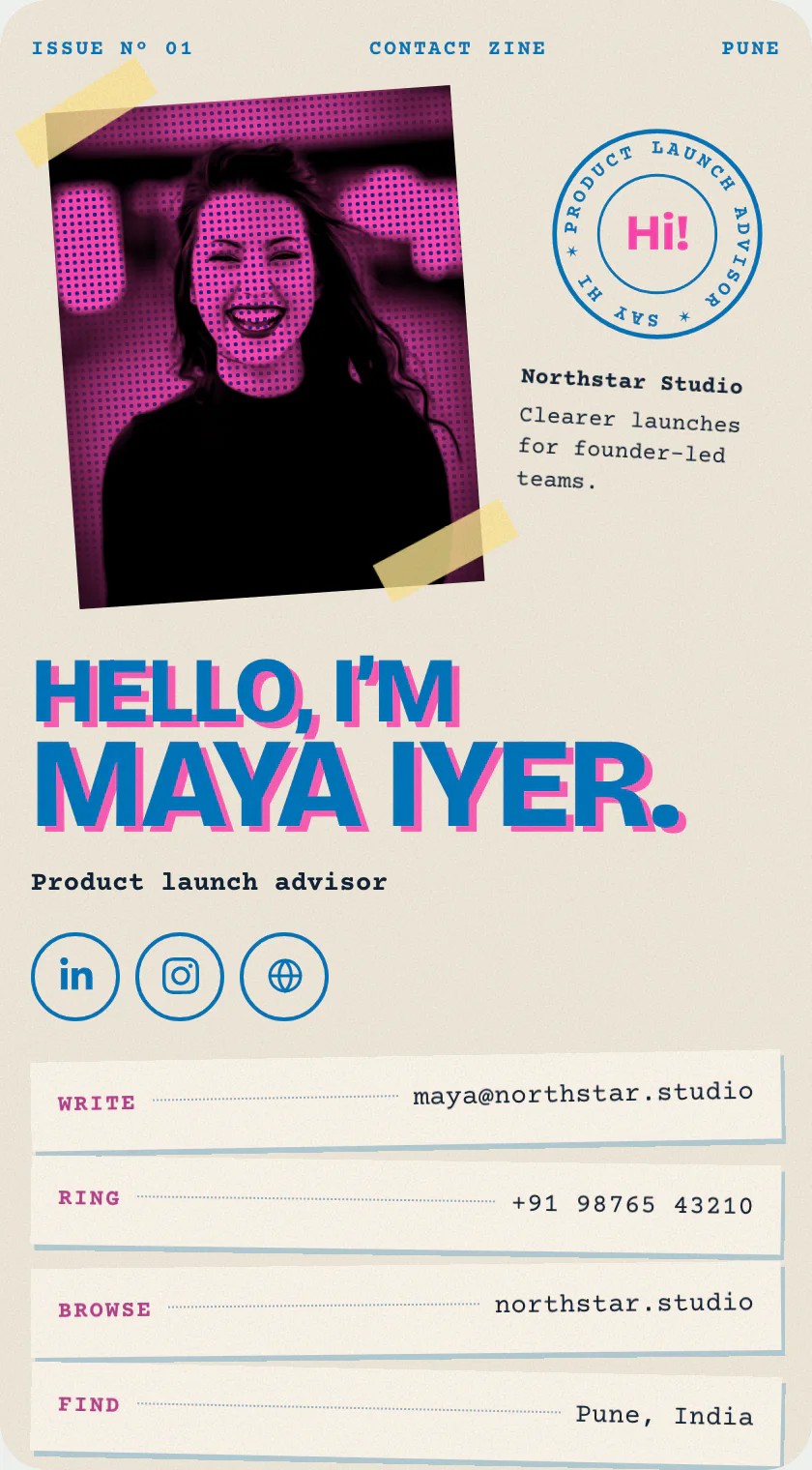
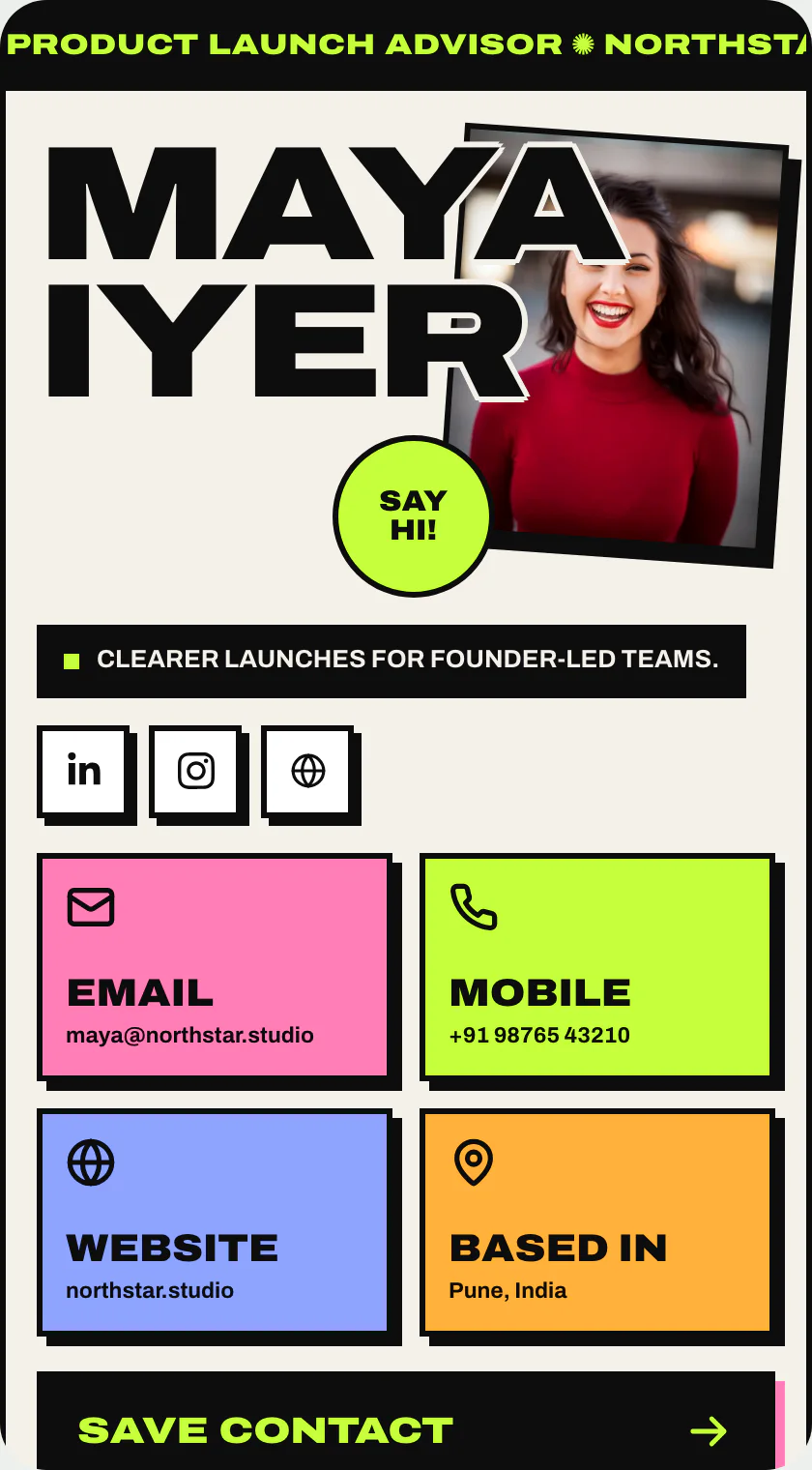
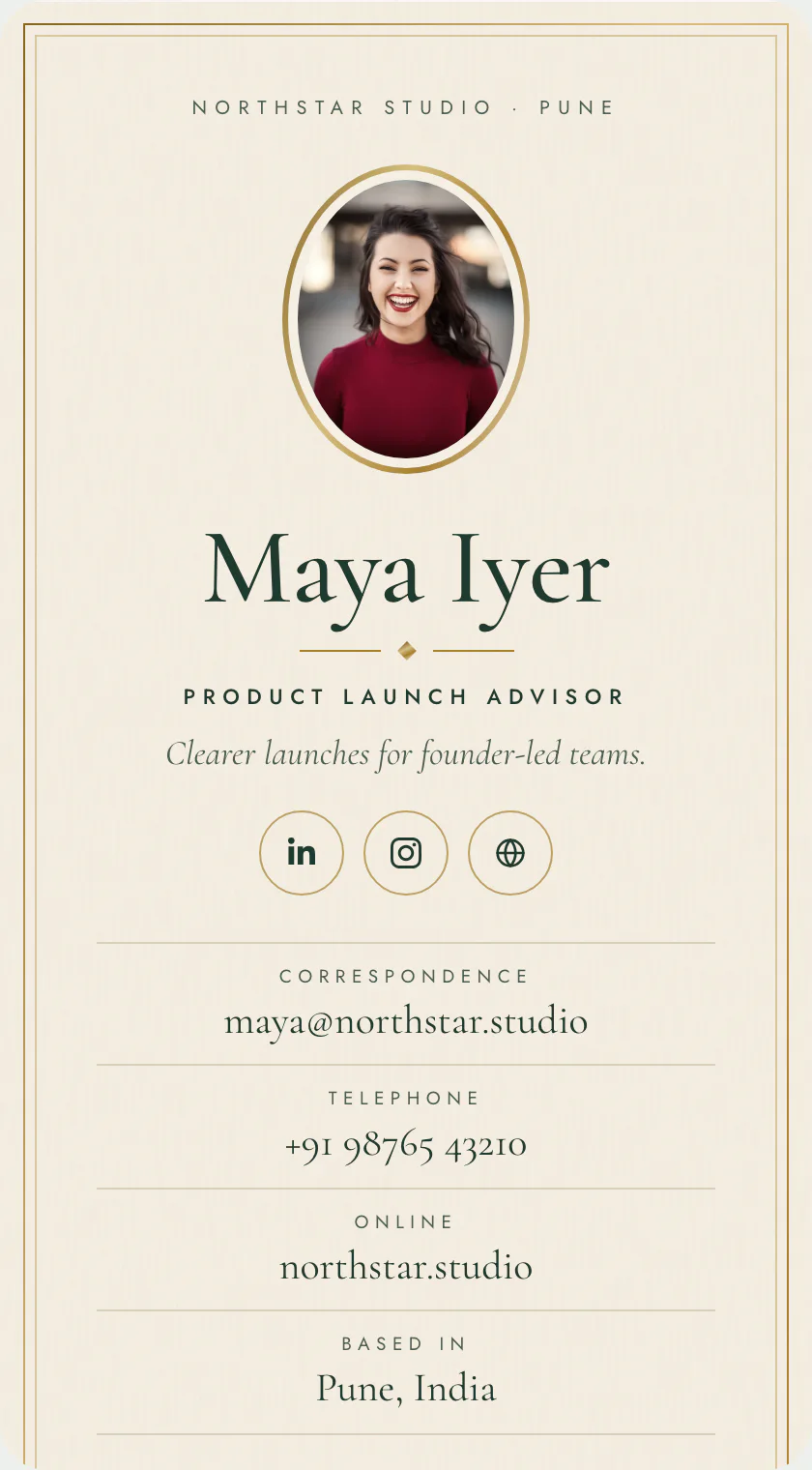
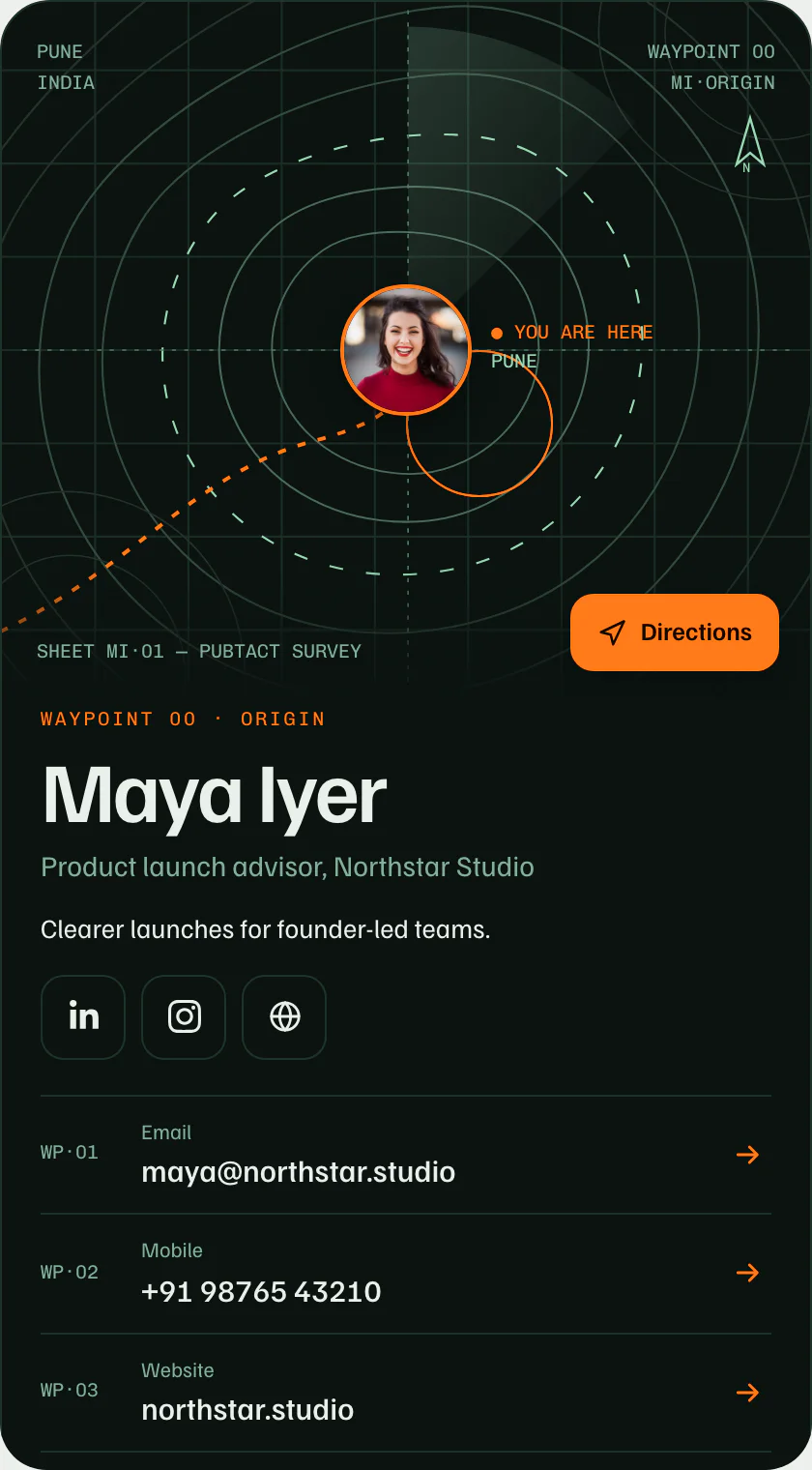
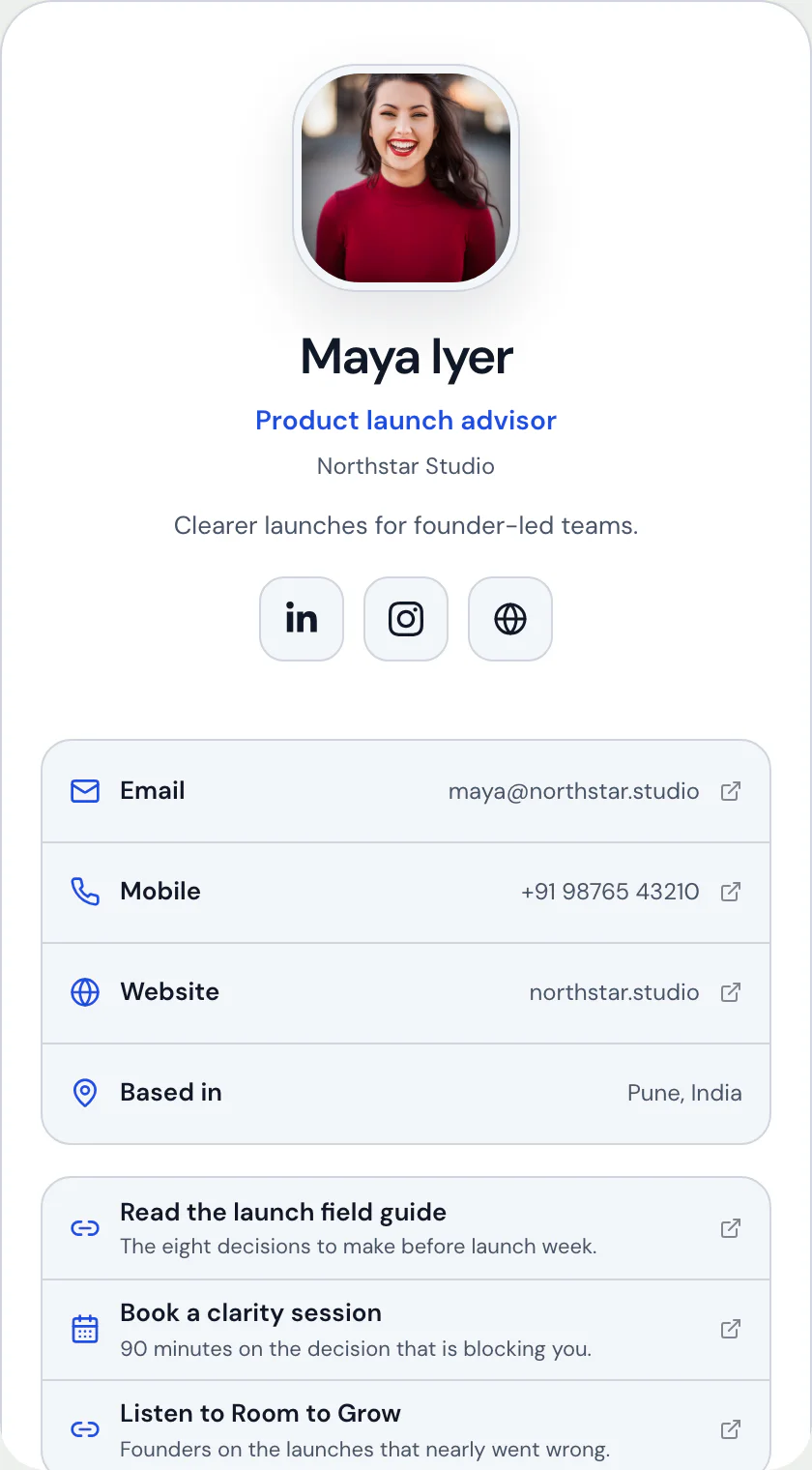
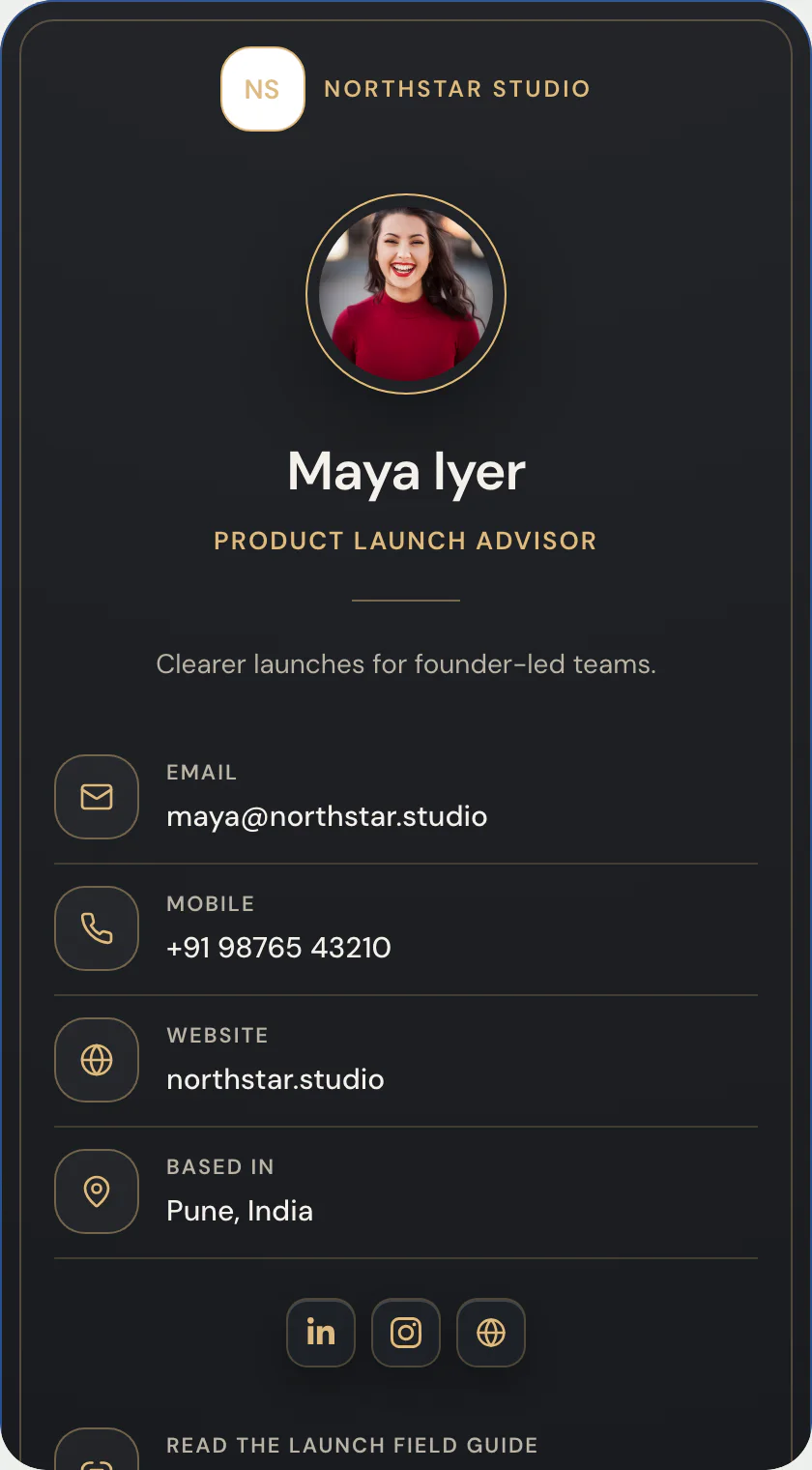
Terminal: the contact card template that answers whois.
A phosphor terminal session: whois types itself, a dithered portrait, and every section is the output of a command.
Phosphor console · one of 21 contact-card layouts · Phosphor console
Free to start · no design skills needed · published at your own link
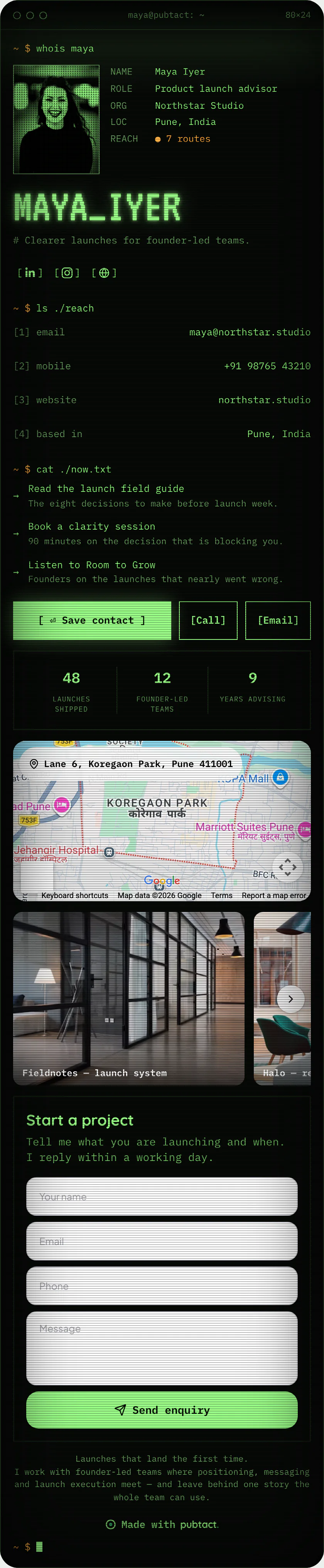
Scroll inside the frame — this is the whole page.
What goes on it
Everything on Terminal is a piece you can change.
 Your name and faceAdd your photo, name and a one-line introduction.
 Ways to reach youEmail, phone, website and location — each one tappable.
- The one buttonPick the action that matters most: save contact, call, WhatsApp or book.
- Your social profilesAdd the ones you use; hide any of them with a switch.
 Links that matterStack your links in your order — and see which get tapped.
- Proof in numbersYears, clients, projects — small numbers that build trust.
Only the first two are required. Add, remove and drag the rest into your own order — before or after you publish, your address never changes.
How it works
Yours in three steps.
- 01Start from Terminal
Sign up free and pick this layout — it opens in the editor ready to fill in.
- 02Make it yours
Type over the example details. No design decisions — the layout is already made.
- 03Publish and share
Your page goes live at your own handle. Share the link, or let people scan its QR.
Who Terminal suits.
Software engineers, security people, founders of developer tools, and open-source maintainers. The joke lands with exactly the audience it is meant for.
What it puts first.
A typed whois command, a dithered portrait in phosphor green and your name in a glowing pixel face. Contact rows come back as ls output, links as cat output, and save is a bracketed command.
Where Terminal is the wrong choice.
Warmth, and some readability. Everything is monospace and the photo is dithered to one colour, so a face-first or client-facing card will feel colder than it should. Scanlines and a flicker are part of the look.
Before you start
The questions everyone asks.
- Is the Terminal template free?
- Yes. Pick it, add your details and publish at your own handle — building and publishing a page is free.
- Can I switch to another template later?
- Yes. A template is a layout over your content, so you can move to any other contact card layout whenever you like — nothing gets retyped and your link never changes.
- Do I need a website or hosting?
- No. Your page is hosted for you at your own handle — nothing to install, nothing to maintain.
- Will it work on a phone?
- Yes. The page is built phone-first and opens in any browser — the people you share it with don't need an app.
Keep reading
If this is not quite it.
Same product