Hold two recent iPhones together and NameDrop takes over: a shimmer, your contact poster, a tap, done. It is the best contact exchange Apple has ever shipped, and in the right room it makes QR codes look like paperwork. The right room is the catch. NameDrop is a feature of a platform, and your contacts do not all live on that platform.
What NameDrop actually does
NameDrop arrived with iOS 17. Bring the top of your iPhone near the top of another iPhone, or a recent Apple Watch, and both devices offer to exchange contact posters — the full-screen name card iOS lets you design. You choose whether to share and receive or only receive, and you choose which email or number goes across. No app to install, nothing to print, and the poster makes the exchange feel considered.
For an in-person meeting between two iPhone users with the feature enabled, it is close to frictionless, and pretending otherwise would be silly. If your working world is iPhone-dense, use it freely.
The fence around it
The limits are structural, not bugs, and they define exactly where NameDrop stops being your answer.
Android's nearby-sharing gestures, Quick Share among them, solve a transfer problem rather than a contact-exchange one, and sit behind the same kind of fence facing the other direction. Phone makers build wonderful sharing inside their walls and nothing across them, for reasons that have little to do with your networking.
- It is Apple-to-Apple only; an Android phone on either side ends the transaction before it starts
- It works only in physical proximity — there is no NameDrop over email, in a DM, on a call, or in a webinar
- Both phones need the feature on, which is not something you can arrange from your side of the table
- It shares a contact card, a static snapshot; when your details change, every copy already handed out stays wrong
- It carries no depth — no portfolio, no booking link, no reason to remember you beyond the fields
The layer that does not care what phone they carry
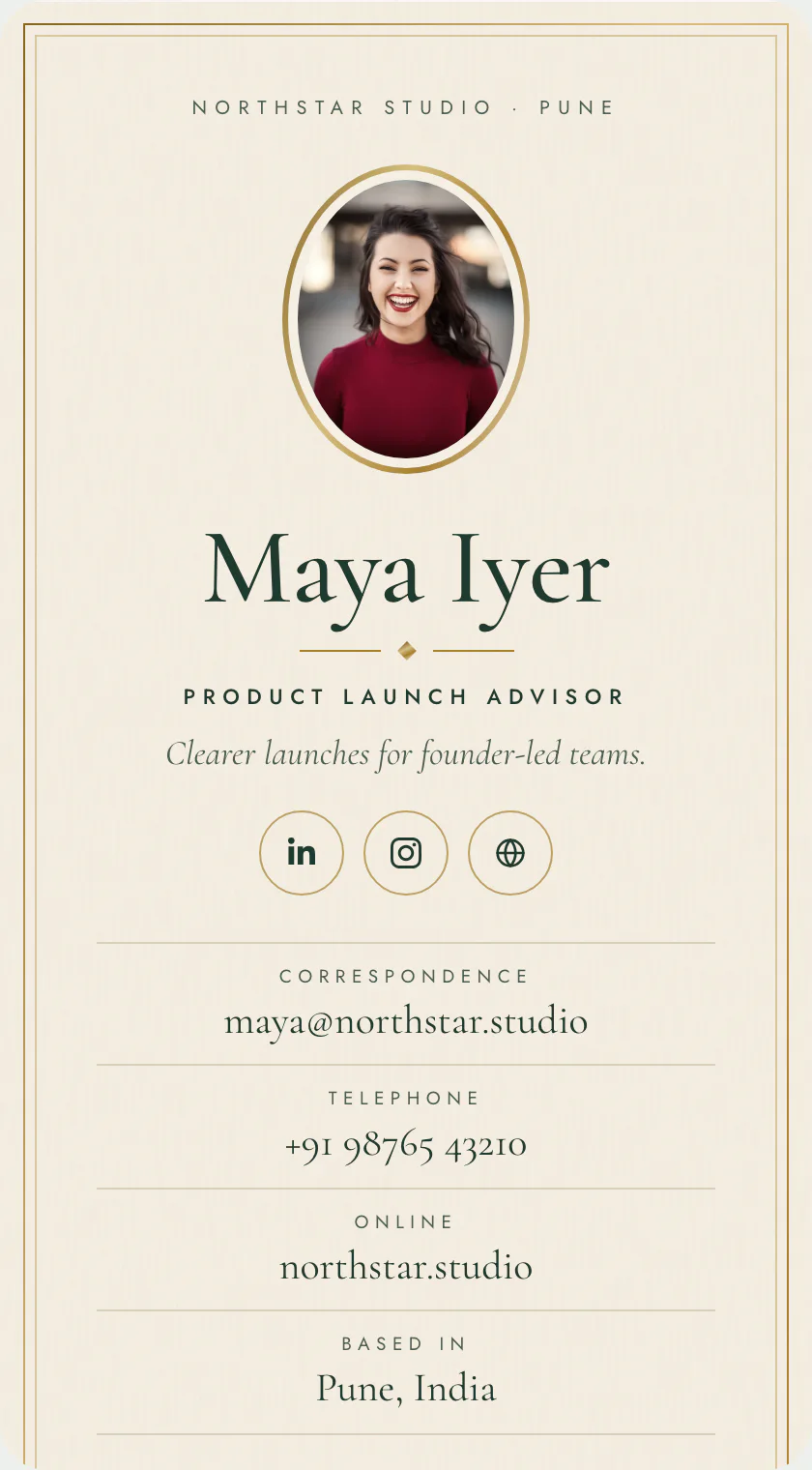
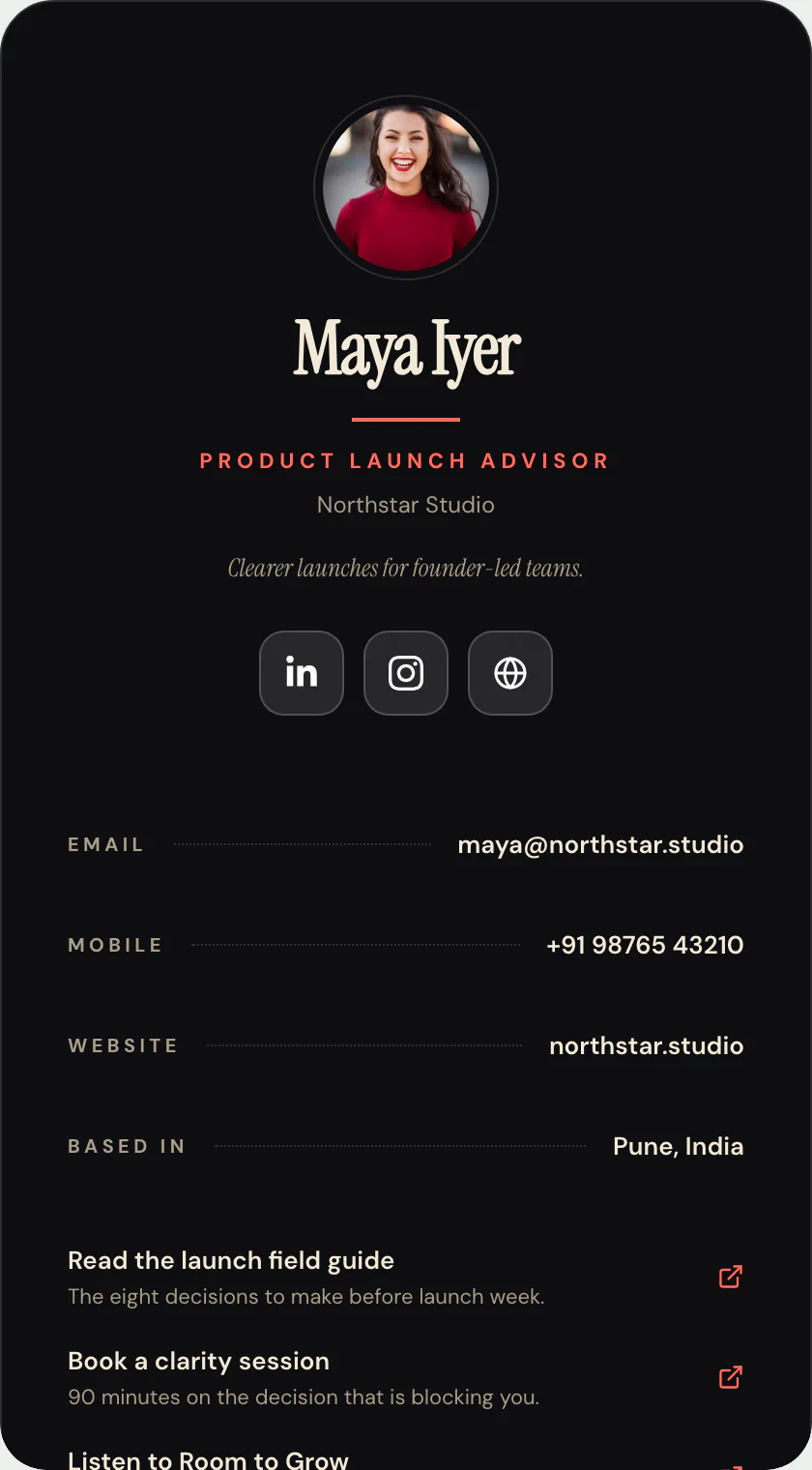
The cross-platform, works-at-a-distance answer remains what it has been for years: a web page. A digital business card is a page at a stable address that any phone, laptop, or hotel-lobby computer can open. It carries the depth a contact snapshot cannot — who you are, what you do, how to book you — and its save-to-contacts action hands over a vCard file, which every address book on every platform has understood for decades.
Just as important, a page travels through every channel NameDrop cannot enter: email signatures, LinkedIn DMs, a QR code on a slide, a link read aloud on a podcast. The in-person tap is one channel. Most of your reachable contacts are in the others.
Use both, in order
This is not a versus. The sensible setup treats phone-native sharing as the express lane and the page as the road network.
The pattern to avoid is treating the express lane as the strategy. A contact method that requires interrogating someone's hardware before you use it is a tactic, not an identity.
- iPhone across the table, feature on: NameDrop, because winning the moment matters
- Anything else in person: QR code on your lock screen or a paper card pointing at your page
- Every remote channel: the page's address, which never needs to know what device opens it
- In every case, let the page be the record, so there is one place to correct when your details change
The verdict, plainly
Enjoy NameDrop; it is genuinely good. Then notice that the moment it covers — two compatible phones, in person, both configured — is a sliver of the ways people actually try to reach you. One page at one address covers the sliver and everything around it, and Pubtact's contact card exists to be that page. Build the layer that works everywhere, and let the party trick be a bonus.